
Best Home Battery Backup Options for Reliable Outage Power
Compare the best home battery backup options for outages, solar use, and whole-home power. See top picks and choose smarter.
The best home battery backup is not simply the biggest battery on the spec sheet; it is the system that can run the loads you actually care about during an outage. For many homes, Tesla Powerwall 3 is the strongest all-around pick, FranklinWH aPower 2 makes more sense for heavier whole-home loads, and Enphase IQ Battery 10C is the cleanest fit when solar integration matters most.
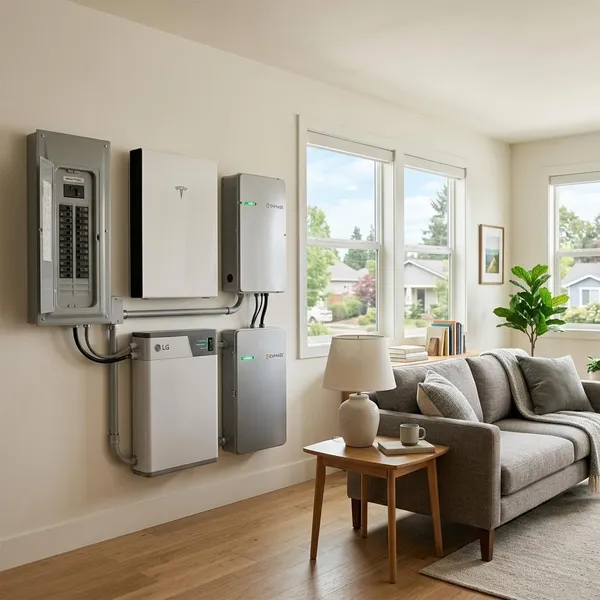
Best Home Battery Backup Systems at a Glance
Start with the job you want the battery to do. A short outage where you only need the refrigerator, Wi-Fi, lights, and a few outlets is very different from a summer outage where you expect central air, a well pump, and normal kitchen use to keep working.
| Pick | Best fit | Main reason to choose it | Watch before buying |
|---|---|---|---|
| Tesla Powerwall 3 | Most households wanting a balanced system | Strong mix of usable storage, output, solar readiness, and app control | One unit may not cover large HVAC or heavy simultaneous loads |
| FranklinWH aPower 2 | Larger homes and heavier backup plans | Designed for more demanding whole-home-style backup layouts | Often needs more careful electrical planning and a bigger budget |
| Enphase IQ Battery 10C | Homes already built around Enphase solar | Clean solar, storage, and monitoring integration | Best value is usually inside the Enphase ecosystem |
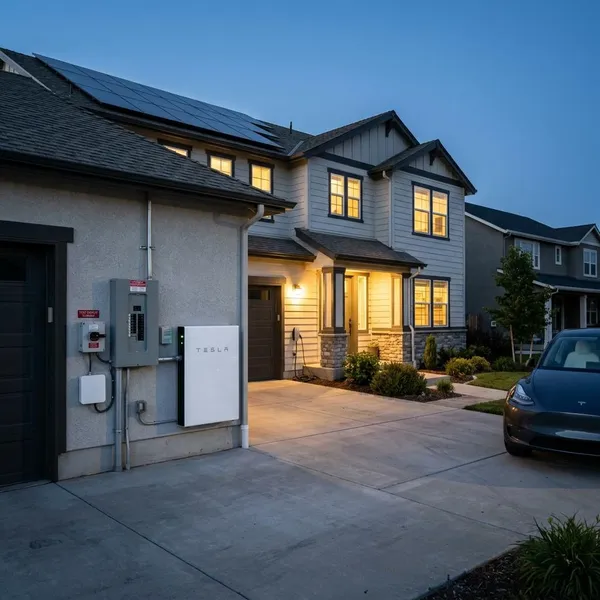
Best Overall Tesla Powerwall 3
Tesla Powerwall 3 is the easiest recommendation for many homeowners because it covers the middle ground well: enough capability for serious backup planning, but not so specialized that it only makes sense for large custom systems. It is a good first quote to get if you want essential loads covered now and possible expansion later.
Best for Whole Home Backup FranklinWH aPower 2
FranklinWH aPower 2 is the better place to look if your outage plan includes bigger household loads. Think rural home with a well pump, summer cooling needs, multiple refrigerators, or a family that cannot realistically operate in “bare minimum” mode for a day or two.
Best for Solar Integration Enphase IQ Battery 10C
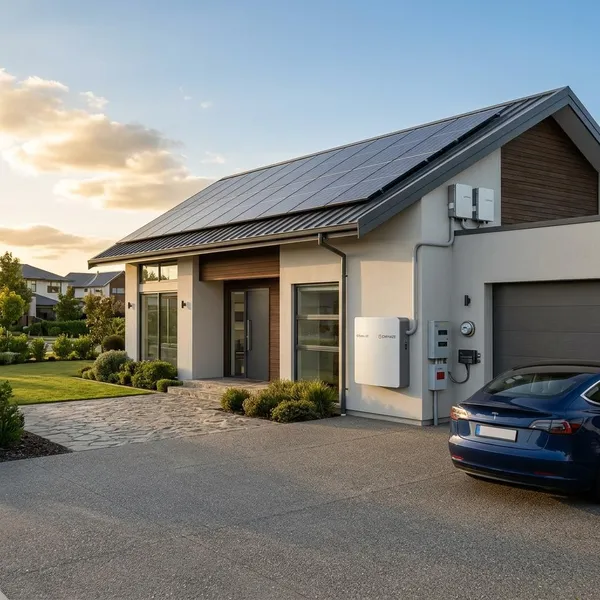
Enphase IQ Battery 10C fits best when the solar system is already part of the decision. If your panels use Enphase equipment and you want one ecosystem for production, storage, backup status, and monitoring, it can be more practical than chasing the highest standalone battery spec.
Best Overall Tesla Powerwall 3
Tesla Powerwall 3 earns the overall pick because it gives many homes a strong blend of backup power, usable storage, solar integration, and day-to-day simplicity. It is not automatically the right answer for every house, but it is one of the most sensible starting points if you want a capable installed battery rather than a small emergency power station.
Backup performance and usable capacity
Powerwall 3 is commonly listed with 13.5 kWh of usable storage per unit, which can cover essential loads for many households when usage is controlled. A refrigerator, modem, lights, device charging, and a few outlets are a much easier job than central air, electric heat, an oven, and laundry at the same time.
The more important check is whether the system can deliver enough power at once. Capacity tells you how long the battery may last; output tells you what it can actually run. If your must-have list includes a sump pump, freezer, or HVAC equipment, ask the installer to show both running load and startup surge assumptions rather than giving a vague “yes, it can handle it.”
Solar integration and expansion
Powerwall 3 makes the most sense when it is part of a solar-ready plan. Solar can recharge the battery during daylight, which changes the whole outage experience: instead of draining once and waiting, you may be able to stretch backup through repeated day-night cycles if the weather and panel production cooperate.
- Short outage: one well-sized battery may be enough for essentials.
- Longer outage: solar recharging becomes much more valuable.
- Growing household: expansion may matter if you later add an EV, home office, or more backed-up circuits.
Installation, warranty, and limitations
Installation usually involves a certified installer, permitting, utility approval, and backup equipment such as a gateway or load-management hardware. The cleanest-looking battery quote is not always the real final cost, so ask what is included: electrical panel work, critical-loads panel, smart controls, permits, and any required service upgrades.
The main limitation is expectations. A single Powerwall 3 can be excellent for a focused backup plan, but it should not be treated as a guarantee of normal whole-home living in every outage. If your home uses large electric heating, central AC in hot weather, or several big appliances at once, the quote should include a clear load plan, not just a battery count.
Best for Whole Home Backup FranklinWH aPower 2
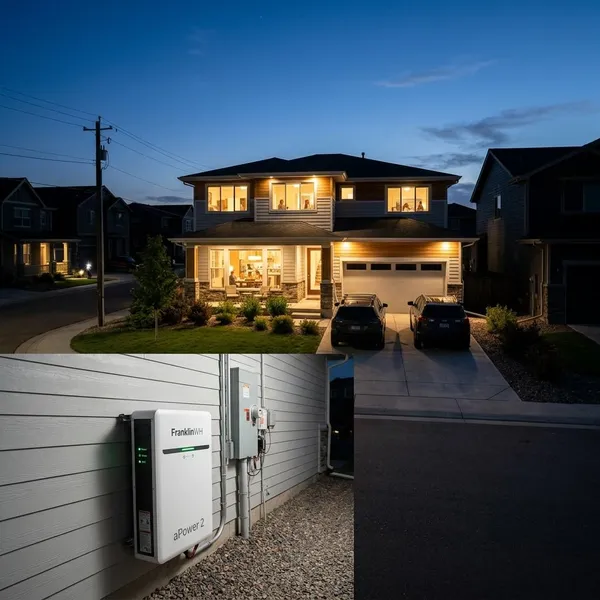
FranklinWH aPower 2 is the stronger candidate when your idea of backup power is closer to “keep the house functioning” than “keep a few circuits alive.” That makes it especially relevant for larger homes, properties with pumps, and households where comfort loads matter during outages.
Power for large household loads
Whole-home backup is mainly a power-management problem. A house may not use huge energy every minute, but a well pump starting, an air conditioner cycling on, and kitchen appliances running together can create a demanding moment. FranklinWH aPower 2 is worth considering because it is built for these heavier residential backup designs.
A practical dividing line is simple: if you are comfortable turning off big loads during an outage, an essential-load system may be enough. If you want cooling, water, refrigeration, cooking convenience, and normal family routines to overlap, you need a more serious design with load calculations and possibly multiple batteries.
Solar, grid, and generator integration
FranklinWH is appealing for homeowners who want a layered backup plan. Battery power can handle short outages silently, solar can help refill the battery during the day, and a generator may still have a role for multi-day outages with poor sunlight or unusually high demand.
This matters most in high-risk areas. A suburban home with occasional two-hour outages may not need that level of flexibility. A rural property with storm outages, a private well, and limited service access has a stronger case for combining battery storage with solar or generator support where the system design allows it.
Installation, warranty, and limitations
FranklinWH is not the kind of system to size casually. Before choosing it, have the installer identify the largest loads, the likely startup surges, which circuits will be backed up, and what happens if several major appliances start together.
- Good fit: larger homes, pumps, cooling loads, broader backup goals.
- Less ideal: small homes that only need fridge, lights, Wi-Fi, and charging.
- Key quote question: what load-management hardware is included?
Warranty details should be checked against the current product documents, especially capacity retention, operating conditions, and any limits tied to daily cycling. The main drawback is cost and project complexity; for a modest essential-load plan, it may be more system than you need.
Best for Solar Integration Enphase IQ Battery 10C
Enphase IQ Battery 10C is the most natural pick when the home already uses Enphase solar equipment or when monitoring matters almost as much as raw backup strength. It is less about building the biggest possible battery setup and more about having solar production, storage, and household usage work together cleanly.
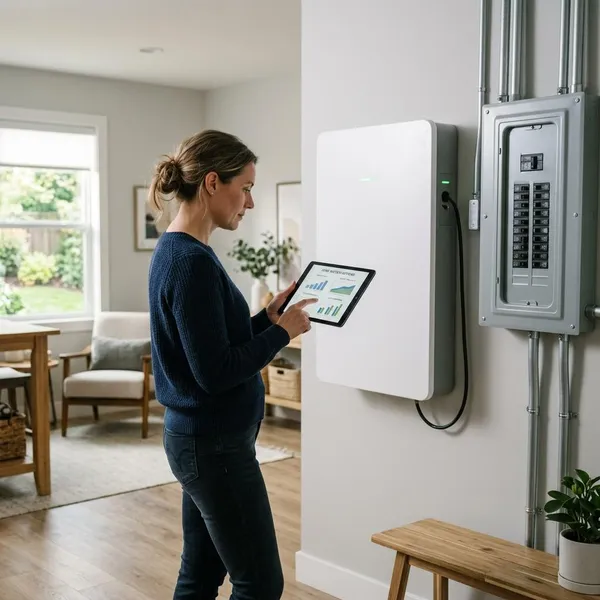
Backup performance and modular capacity
The IQ Battery 10C is useful for homeowners who want to build backup capacity in a modular way. That can be a smart approach if you are starting with essential circuits now, then expanding later after you understand your outage patterns, solar production, or budget.
Do not size it by optimism. If your goal is a low-stress overnight outage with internet, lights, refrigeration, and a few outlets, a modest backed-up load list can work well. If your goal is summer comfort with central air, the design needs a much closer look at power output, battery count, and load control.
Enphase solar and monitoring integration
Enphase stands out because the ownership experience is easy to understand when the rest of the solar setup is already Enphase. Seeing solar production, battery charge, and home consumption in one place helps you make better choices during an outage, such as delaying laundry or cooking until the battery has recovered from daytime solar.
That visibility is not just a nice app feature. In a real outage, knowing whether the battery is draining quickly or recovering well can decide whether you keep convenience loads on or switch back to essentials.
Installation, warranty, and limitations
Enphase storage should be quoted by an installer who understands the platform and your existing solar setup. Ask whether your current microinverters, electrical panel, backup configuration, and utility rules support the battery design without major redesign work.
The limitation is ecosystem fit. If your home uses a different solar platform, Enphase may still be possible, but it may not be the cleanest or most cost-effective route. For renters, apartments, or temporary backup needs, a fixed home battery is usually the wrong category altogether; a portable power station is often more practical.
How to Choose the Right Home Battery Backup
The easiest way to avoid overspending is to choose the backup target before choosing the battery. Decide what must stay on, how long it needs to run, and whether solar can recharge the system during the outage. Brand comparisons only help after those basics are clear.

Decide which appliances need backup
Make two lists: must-have and nice-to-have. Must-have loads often include the refrigerator, freezer, Wi-Fi, a few lights, phone charging, medical equipment if needed, and sometimes a sump pump or garage door opener. Nice-to-have loads are things you can live without for a while, such as laundry, oven use, or extra rooms of lighting.
This first step has the biggest effect on cost. A homeowner who only wants food, internet, and basic lighting through overnight outages may be happy with an essential-load setup. A household with medical equipment, a home office, a well pump, or summer cooling needs should be more conservative and plan for higher output and longer runtime.
Match capacity to the required runtime
Usable capacity is the energy tank. To estimate it, list the loads you want backed up, estimate how many hours each one runs, and compare the total with the usable battery capacity rather than the headline storage number.
- List the circuits: include only the loads you truly expect to use.
- Estimate hours: remember that refrigerators and pumps cycle on and off.
- Compare usable kWh: leave a safety margin instead of planning to drain the battery perfectly.
- Add solar if needed: longer outages are much easier to manage when daytime charging is available.
Check continuous and startup power
Continuous power decides how many things can run at once. Startup power decides whether motors and compressors can turn on without tripping the system. This is where air conditioners, well pumps, sump pumps, freezers, and some tools need special attention.
A useful installer question is: “What happens if my largest motor load starts while the refrigerator and other backed-up circuits are already running?” If the answer is vague, ask for the load calculation in writing. This one check prevents many disappointing battery installations.
Confirm solar and electrical panel compatibility
A battery with great specs can become a poor choice if it fights your existing electrical setup. Confirm the inverter type, solar compatibility, service panel capacity, backup gateway requirements, critical-loads panel needs, and local utility rules before treating any quote as final.
Also ask how the system behaves in the situations you actually care about: storm preparation, grid charging, time-of-use settings, solar recharging during an outage, and what loads are automatically shed if demand gets too high. Those answers matter more than a polished brochure.
Conclusion
If you want a balanced, widely recognized system, Tesla Powerwall 3 is the safest first comparison; if your home has heavier loads and you want broader backup comfort, FranklinWH aPower 2 deserves a serious quote; if your priority is a clean Enphase solar setup, IQ Battery 10C is the more natural fit. Before spending money, define your must-have circuits and ask for real load calculations, because the right battery is the one that can handle your home on a bad day, not just look impressive on paper.